
Faster Answers, With Real Context
Use what you already know, past fixes, manuals, and experience, surfaced in seconds, so engineers can fix problems faster, with better accuracy.









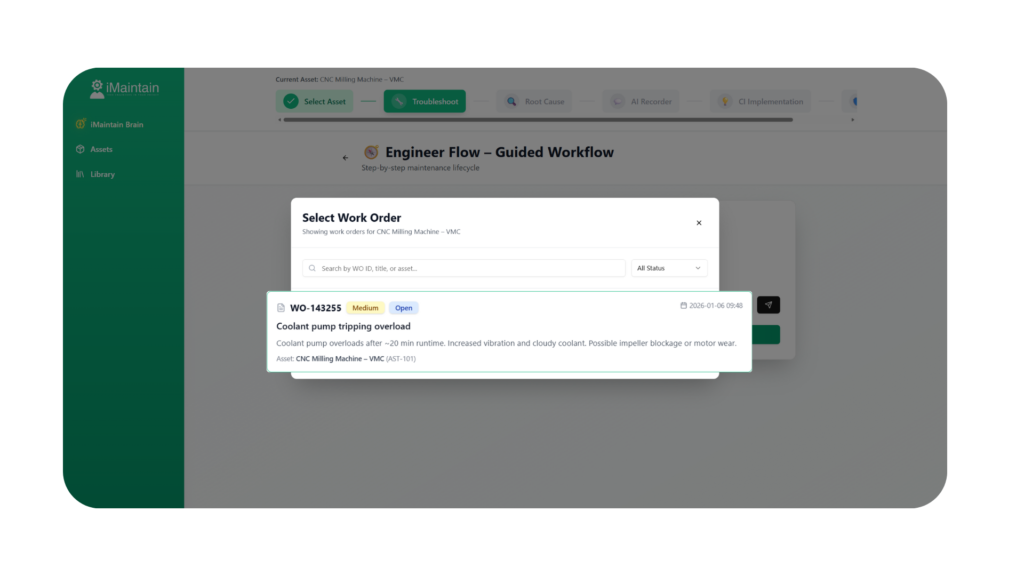
Start from the Work Order
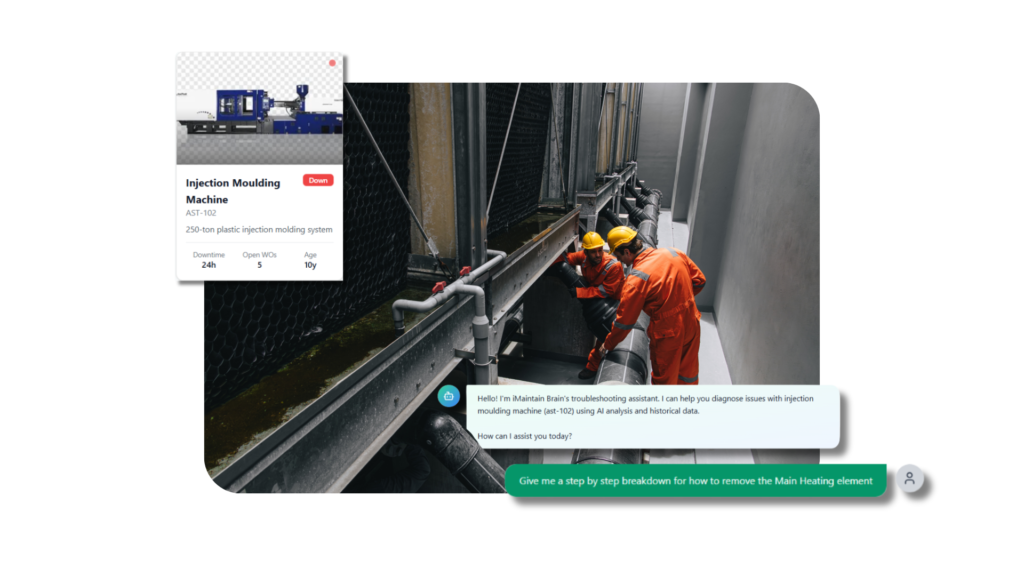
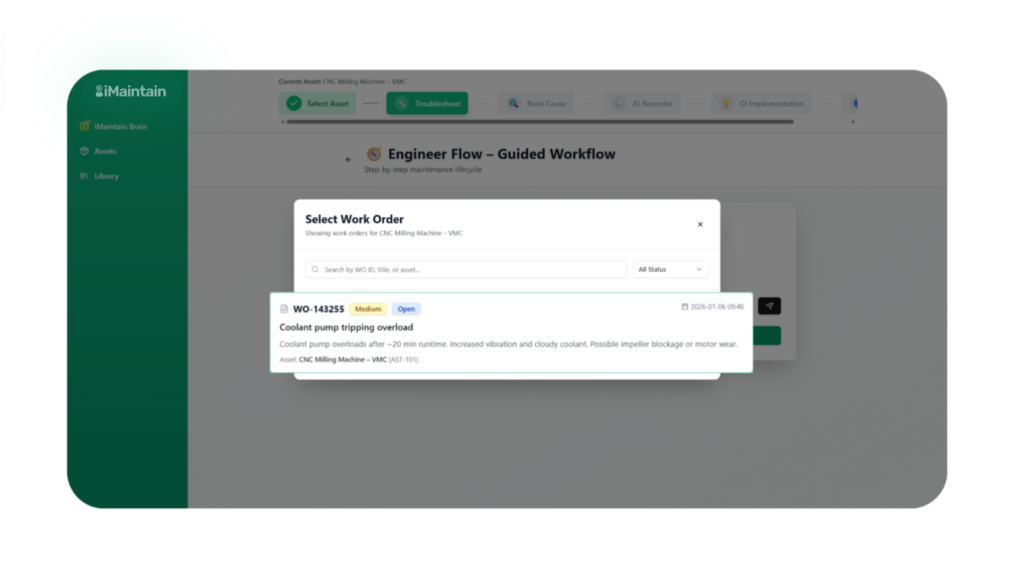
Bring a work order straight in from your CMMS. iMaintain uses the asset, history, and previous jobs automatically, no prompt writing, no setup.
Dig Deeper When Needed
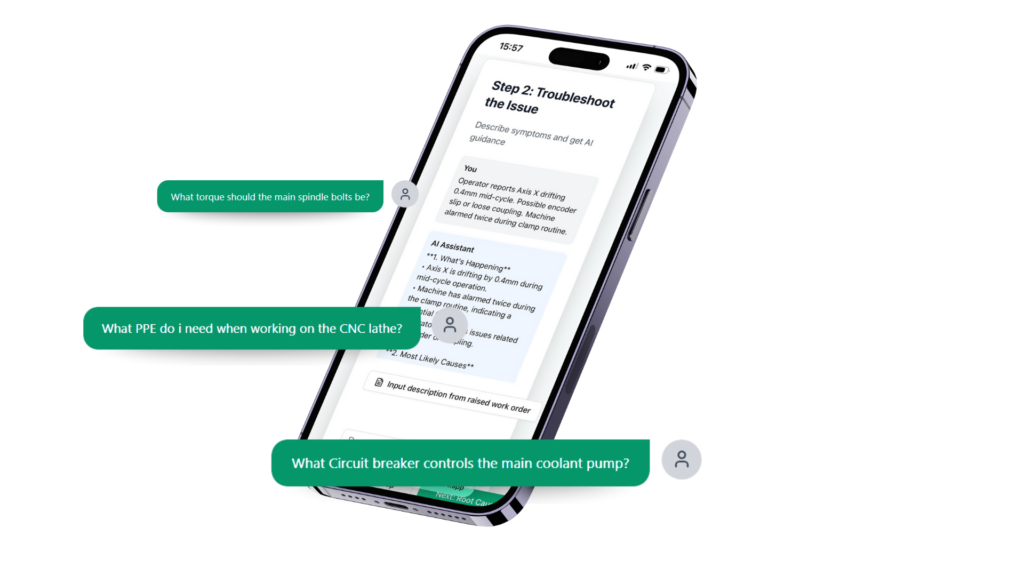
Ask follow-up questions in plain language to explore causes, checks, and next steps without starting from scratch.
Understand the Why
iMaintain shows where the answer comes from and why it’s relevant, whether that’s a manual, a past fix, or similar failures, so engineers trust the solution, not just follow it.
Want to know more?
Frequently asked questions
AI Troubleshooting gives engineers instant, accurate answers by analysing manuals, past fixes, and real job history in context.
It automatically pulls the asset, work order, and maintenance history directly from your CMMS.
No, engineers can ask plain language questions immediately without any prompt writing or configuration.
Answers are sourced from your manuals, previous work orders, and similar failures, with full visibility into the source.
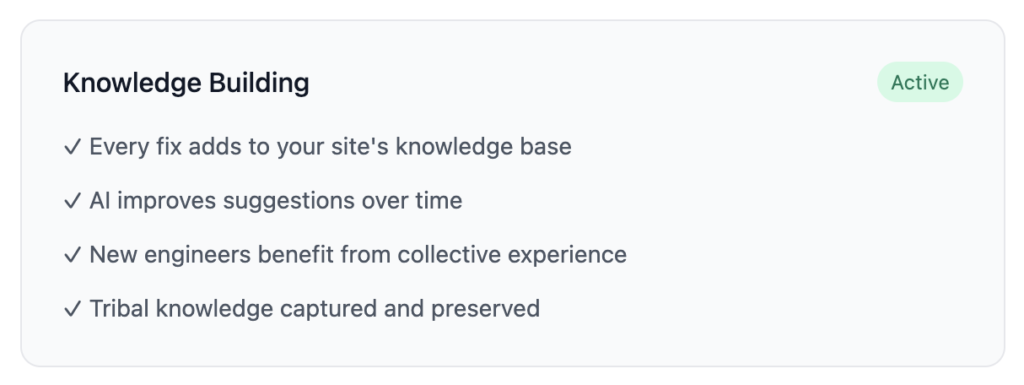
Yes, every completed job improves future suggestions by adding site specific knowledge to the system.