
From Fault to Fix. Done Properly
Bring together past fixes, manuals, and job context to guide the fix and capture the work, so every job makes the next one easier.













Enter the Flow
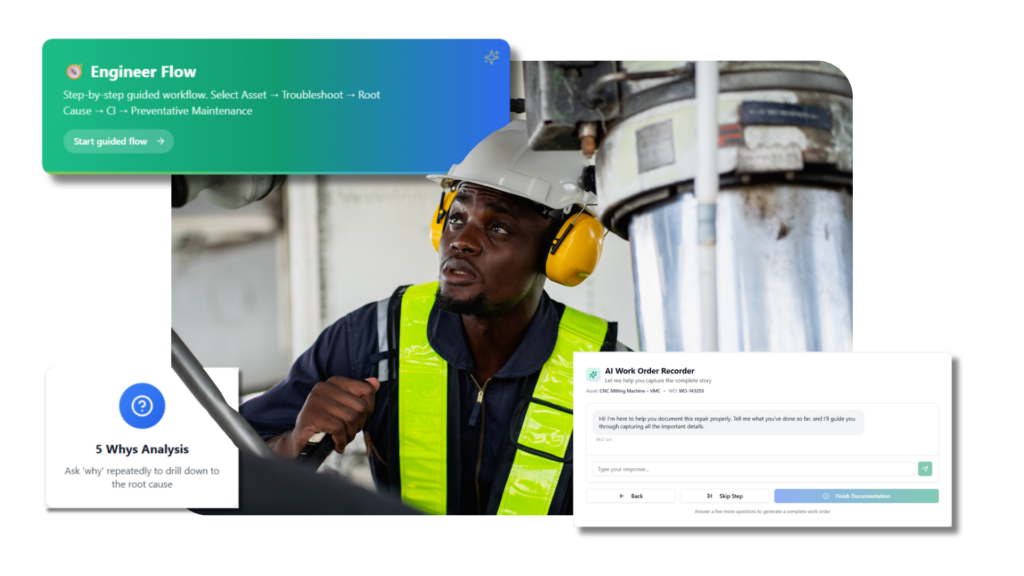
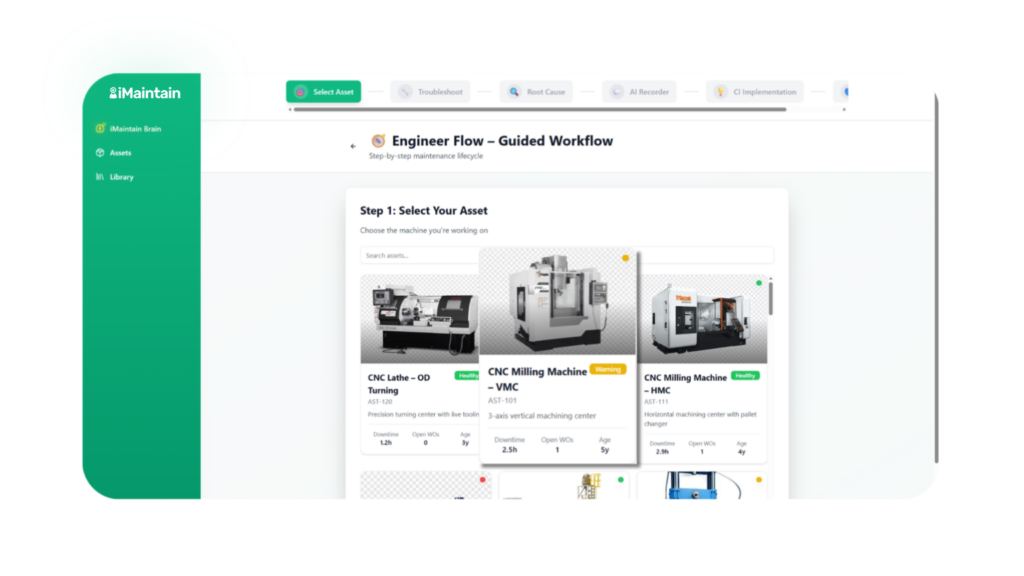
Start directly from a work order. iMaintain automatically brings together the correct asset, history, and relevant information so engineers don’t have to search for it.
Troubleshoot
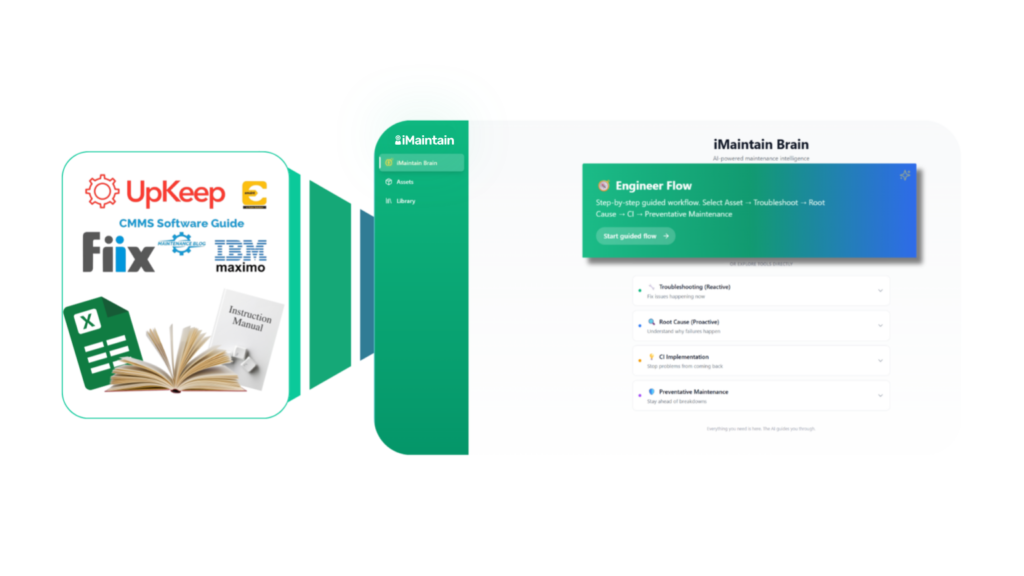
iMaintain surfaces past fixes, manuals, and known solutions, guiding engineers through fault-finding and helping them resolve issues faster.
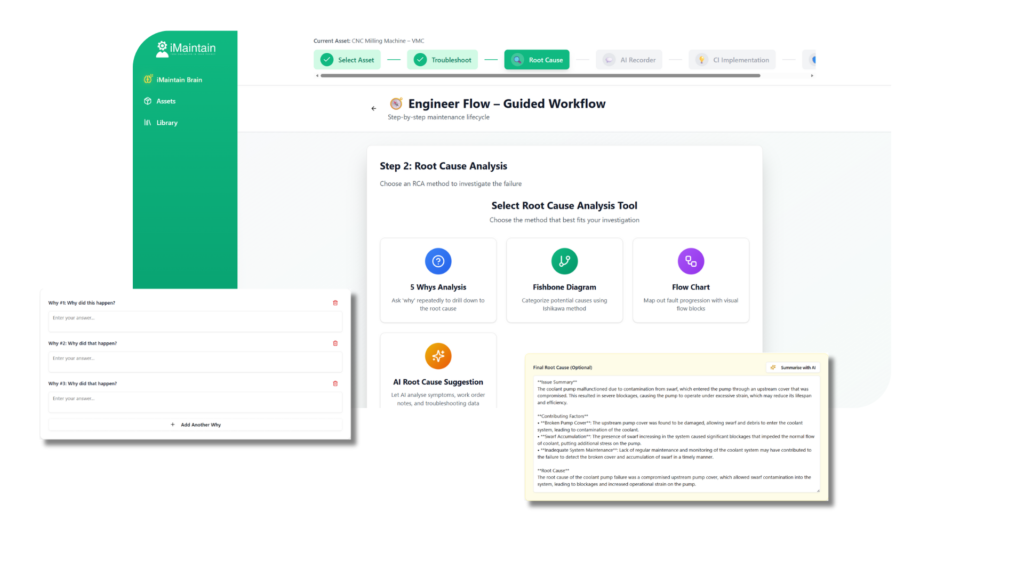
Find the Root Cause
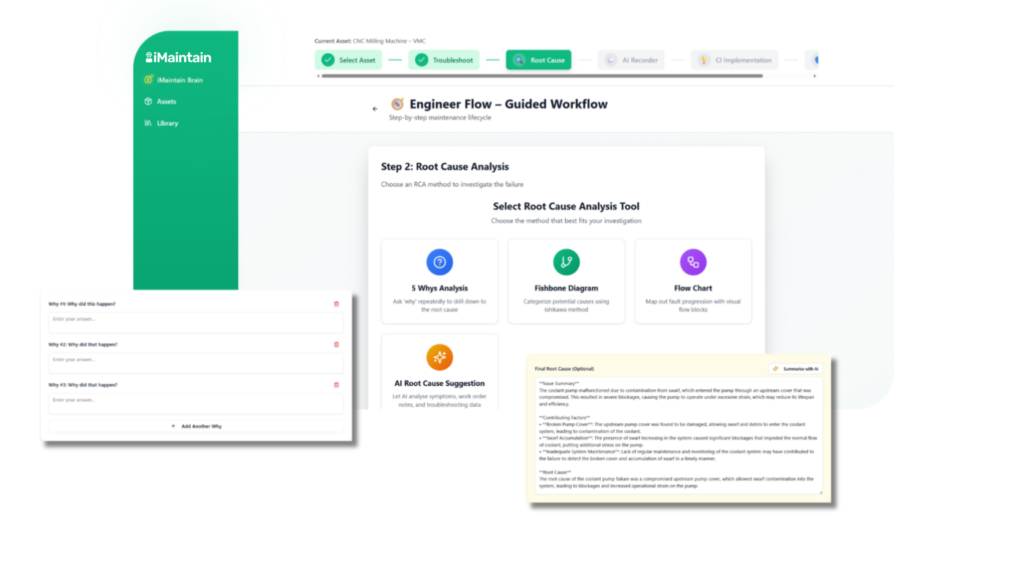
Helping teams go beyond the quick fix by guiding them through root cause analysis, using industry backed tools.
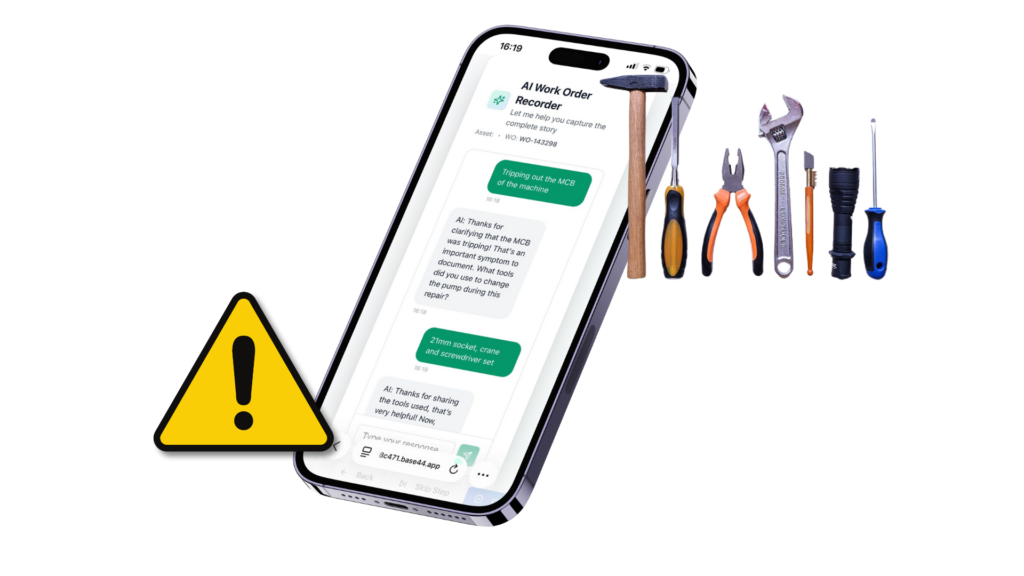
Record the Data
iMaintain guides engineers to record the job in a structured way while the work is fresh, including actions taken, what worked, safety notes, permits, and tools used, building reliable, usable data.
Linked to the Work Order
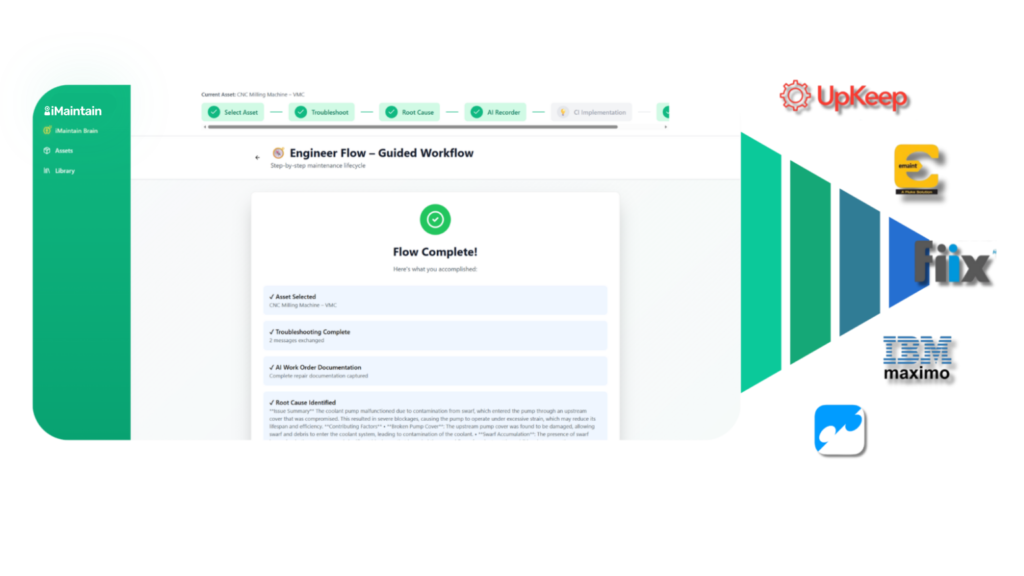
Everything is recorded directly against the work order. Knowledge is never lost, always traceable, and captured without extra paperwork.
Want to know more?
Frequently asked questions
Assisted Workflow guides engineers step by step from fault to fix, ensuring work is done properly and learning is captured every time.
Engineers enter Assisted Workflow directly from a work order, with the correct asset, history, and manuals loaded automatically.
No, it works alongside your CMMS, guiding the work while the CMMS remains the system of record.
All actions, reasoning, and outcomes are saved and linked back to the work order for future reuse.
Yes, Assisted Workflow is designed for mobile and on site use at the machine, not just at a desk.