
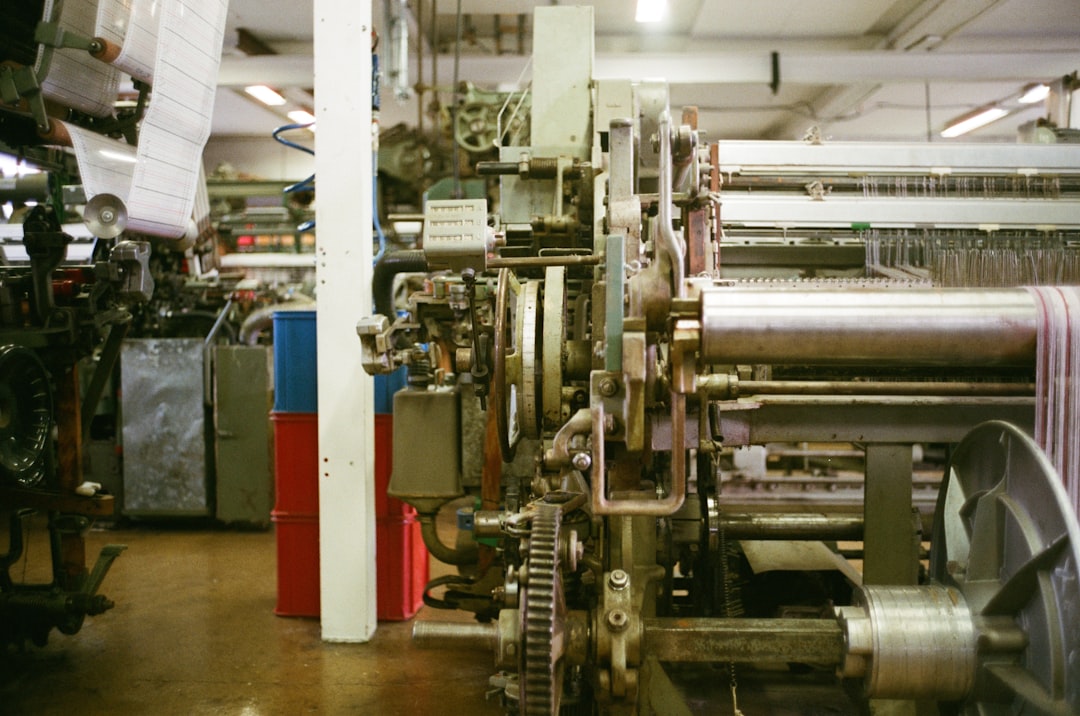
Harnessing AI Maintenance Features: A Quick Overview
Downtime can feel like a ticking clock in any factory. Engineers scramble, productivity dips, and margins shrink. That’s where AI maintenance features step in — not to replace your team, but to supercharge their expertise with data-driven insights and lived experience. By structuring decades of fixes, work orders and equipment context into one shared layer, iMaintain turns everyday maintenance into an ever-growing source of wisdom.
In this article, we’ll walk through seven real-world use cases that show how iMaintain’s AI maintenance features transform reliability—from quick fault diagnosis to spare-parts optimisation. Ready to see how smart, human-centred AI transforms your shop floor? Discover AI Maintenance Features with iMaintain — The AI Brain of Manufacturing Maintenance
Why AI Maintenance Features Matter in Manufacturing
Ask any maintenance manager: firefighting the same faults week after week is soul-destroying. You need historical fixes at your fingertips, not buried in spreadsheets, sticky notes or an engineer’s head. iMaintain bridges that gap by:
- Capturing operational know-how as structured intelligence
- Surfacing proven solutions at the point of need
- Turning routine work into a living, searchable knowledge base
This human-centred AI approach means teams stop repeating mistakes and start learning faster. To see how these features integrate with your current workflows, Learn how iMaintain works.
7 Practical Use Cases for AI in Manufacturing Maintenance
Below are seven hands-on examples of how iMaintain’s AI maintenance features can streamline maintenance, reduce downtime and preserve critical engineering knowledge.
1. Intelligent Fault Diagnosis
Imagine an unexpected bearing whine in your CNC centre. Instead of guessing, iMaintain’s AI cross-referencing instantly shows similar past faults, their root causes and exact repair steps. Engineers no longer spend hours digging through old logs—every solution is one click away.
- Faster troubleshooting
- Less guesswork
- Reduced mean time to repair
2. Predictive Maintenance Scheduling
Traditional maintenance sticks to rigid calendars. But every asset ages differently based on usage, environment and load. iMaintain’s AI models analyse work-order history and running hours to suggest the optimal service window. That means no more over-servicing healthy machines or under-servicing stressed ones.
3. Root Cause Analysis from Historical Data
Recurring pump seal failures? iMaintain’s AI maintenance features dive deep into past work orders, detecting subtle patterns—like temperature spikes or operator shifts—that your team might miss. With a clear cause-and-effect roadmap, you nip the real issue, not just its symptoms. Curious to Discover maintenance intelligence in action?
4. Guided Work Instructions
Maintenance can be a mix of science and art. iMaintain combines both by generating context-aware instructions on the shop floor. New team members follow step-by-step guides tailored to your exact machine make and model. No thick manuals. No room for interpretation.
5. Spare Parts Optimisation
Running out of critical spares can bring production to a standstill. iMaintain analyses past repairs, part usage and supplier lead times to forecast inventory needs. You’ll know exactly when to reorder, which parts to stock and how to avoid unnecessary capital lock-up. Plus, you can reduce repeat failures by always having the right components at hand.
6. Knowledge Capture and Retention
When senior engineers leave, they take a lifetime of wisdom with them. iMaintain automatically captures their fixes, troubleshooting notes and best practices during every maintenance task. This ensures your team’s collective brain stays intact through retirements, shift rotations and site expansions.
7. Performance Analytics and Continuous Improvement
Data is only valuable when you learn from it. iMaintain’s dashboards show MTTR trends, downtime hotspots and recurring faults. You can track improvement initiatives, benchmark performance across lines and share results with senior leadership—all without exporting clunky spreadsheets.
Midway through adding these use cases, it’s worth taking a closer look at how you can Explore our AI Maintenance Features in your own factory.
Implementation Tips: Making AI Maintenance Features Stick
Getting started isn’t about ripping out every system you have. Here are some practical steps:
- Start with one use case—perhaps guided instructions or spare-parts optimisation.
- Integrate quickly: iMaintain works alongside your existing CMMS or spreadsheets.
- Get your team on board by showing them time saved and faster fixes.
- Measure progress: track repeat failures, MTTR and knowledge growth.
When you’re ready to talk through your specific challenges, Talk to a maintenance expert.
What Customers Say
“Switching to iMaintain was a no-brainer. We cut repeat faults by 40% in three months and our new engineers learned on the job without endless shadowing.”
— Rachel, Production Manager
“Our downtime dropped by nearly a day each month. More importantly, the team feels confident because every fix is tracked and explained.”
— Mark, Reliability Lead
“iMaintain lets us see the story behind every work order. We’re not just fixing machines—we’re improving them constantly.”
— Priya, Maintenance Engineer
Conclusion
AI maintenance features aren’t some far-off dream—they’re working right now on factory floors just like yours. From smarter fault diagnosis to predictive scheduling, iMaintain turns day-to-day maintenance into a powerhouse of shared intelligence. Want to check out plan details? See pricing plans.
Ready to make your maintenance team unstoppable? Experience AI Maintenance Features with iMaintain.